100% Free — No Sign-Up

Learn hand lettering, then letter it digitally — free.

A beginner-friendly calligraphy guide in PDF and a matching brush & stamp pack for Procreate. Download both, no email required, no strings attached.

Free for personal & commercial lettering projects.

Ad space
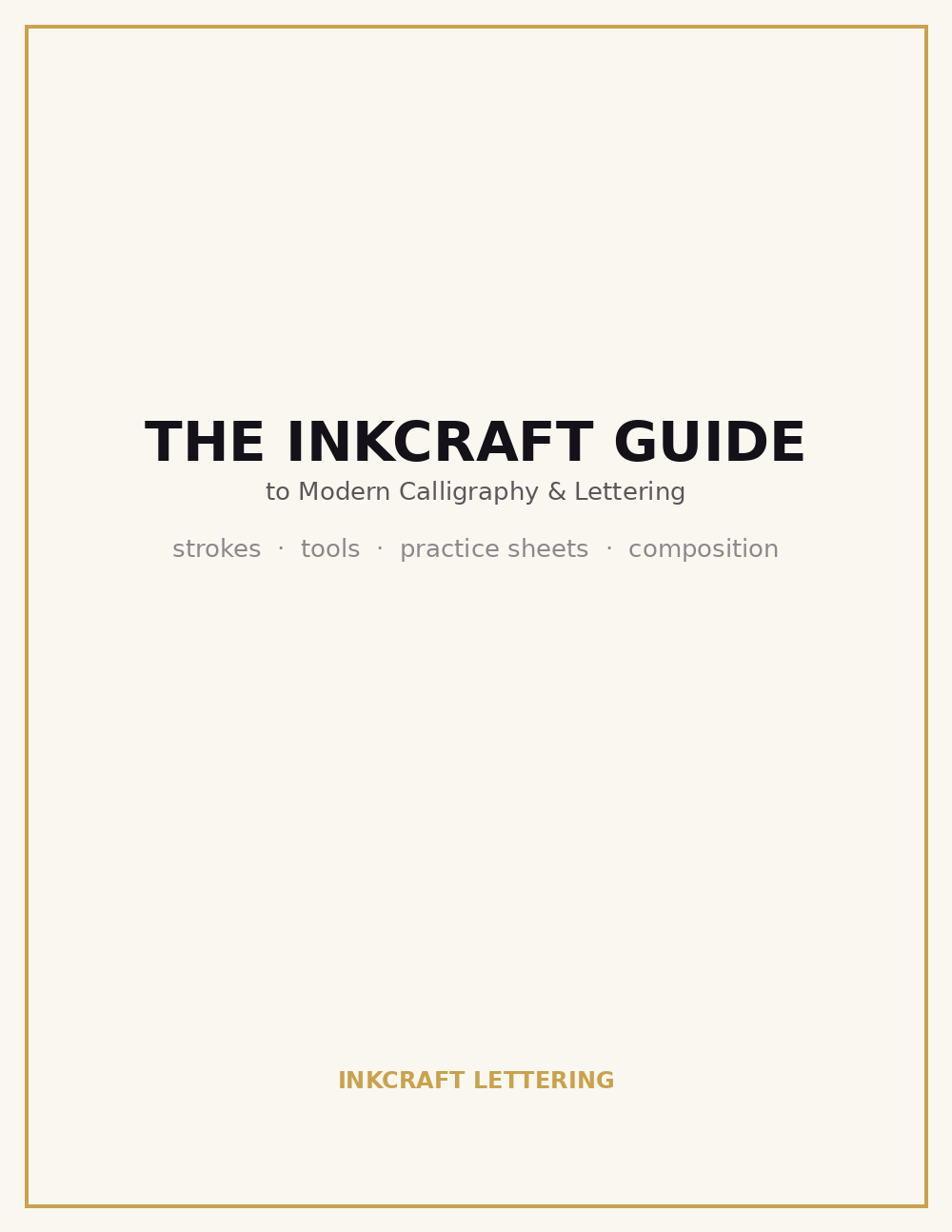
InkCraft Guide to Modern Calligraphy and Lettering — book cover preview
Free eBook

The InkCraft Guide to Modern Calligraphy & Lettering

A short, practical starter book built around one idea: the way you control pressure is the whole craft. Nine pages covering tools, the three core strokes, two printable practice sheets, composition tips, and a table of common beginner mistakes with fixes.

  • Lettering vs. calligraphy, explained simply
  • Analog & digital tool recommendations
  • Printable slant-guide and dot-grid practice sheets
  • Composition & spacing fundamentals
Download PDF
Free Brush Pack

Six brushes & stamps built for lettering

High-resolution, pressure-friendly textures — a round tip, a flat chisel tip, a dry-brush texture, an ink splatter stamp, paper grain, and an ink drip. Works in Procreate, Photoshop, and Affinity.

01

Round Brush Tip

A soft, organic round tip for everyday lettering strokes.

02

Chisel Tip

Flat, angled edge for broad-nib style calligraphy.

03

Dry Brush Texture

Streaky, textured strokes for a more analog feel.

04

Ink Splatter Stamp

An organic splatter for accents and backgrounds.

05

Paper Grain

Subtle grain source so strokes don't look too digital.

06

Ink Drip

A single drip shape for accents and underlines.

Download the Brush Pack (ZIP)
Ad space
FAQ

Questions people usually ask

Is this actually free?

Yes. Both the book and the brush pack are free to download, with no email or account required.

Can I use the brushes for client / commercial work?

Yes — personal and commercial lettering projects are both fine. Please don't resell the pack itself.

Do the brushes only work in Procreate?

They're built with Procreate in mind, but since they're plain transparent PNGs they also import into Photoshop, Affinity Photo/Designer, and most other brush-based editors.

Do I need prior calligraphy experience?

No — the guide starts from the basics: how pressure controls line weight, and how to build that into full letterforms.